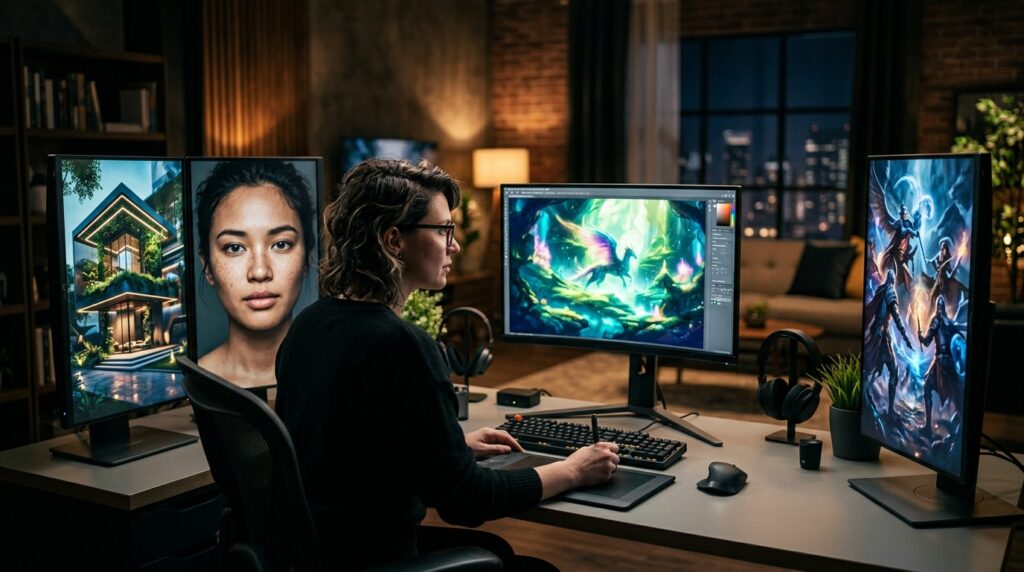
Creating eye-catching visuals previously required professional designers, expensive software suites, or years of studio training. Today, discovering how to generate art with AI empowers anyone to transform concise text descriptions into striking imagery within seconds.
You can describe an idea in ordinary language. Consequently, modern models synthesize illustrations, product concepts, posters, social media visuals, editorial graphics, or photorealistic scenes effortlessly. You do not need to master complex digital brushes, understand advanced Photoshop layers, or study classical anatomy.
However, an important distinction exists between generating an average picture and producing an exceptional visual. While the algorithm executes pixel synthesis, the creator directs the vision. Your core responsibility is communicating intent, controlling composition, evaluating variations, and refining details.
This comprehensive guide details the complete process of how to generate art with AI. Specifically, we explore selecting the right free tools, constructing high-yield prompt formulas, executing conversational revisions, and navigating commercial licensing safely.
A Step-by-Step Framework on How to Generate Art with AI
The foundational workflow of generative creation remains straightforward: select a tool, describe your vision, refine the output, and export. However, in 2026, modern platforms have become remarkably conversational and interactive. Rather than accepting random initial renders, creators now guide iterative modifications seamlessly.
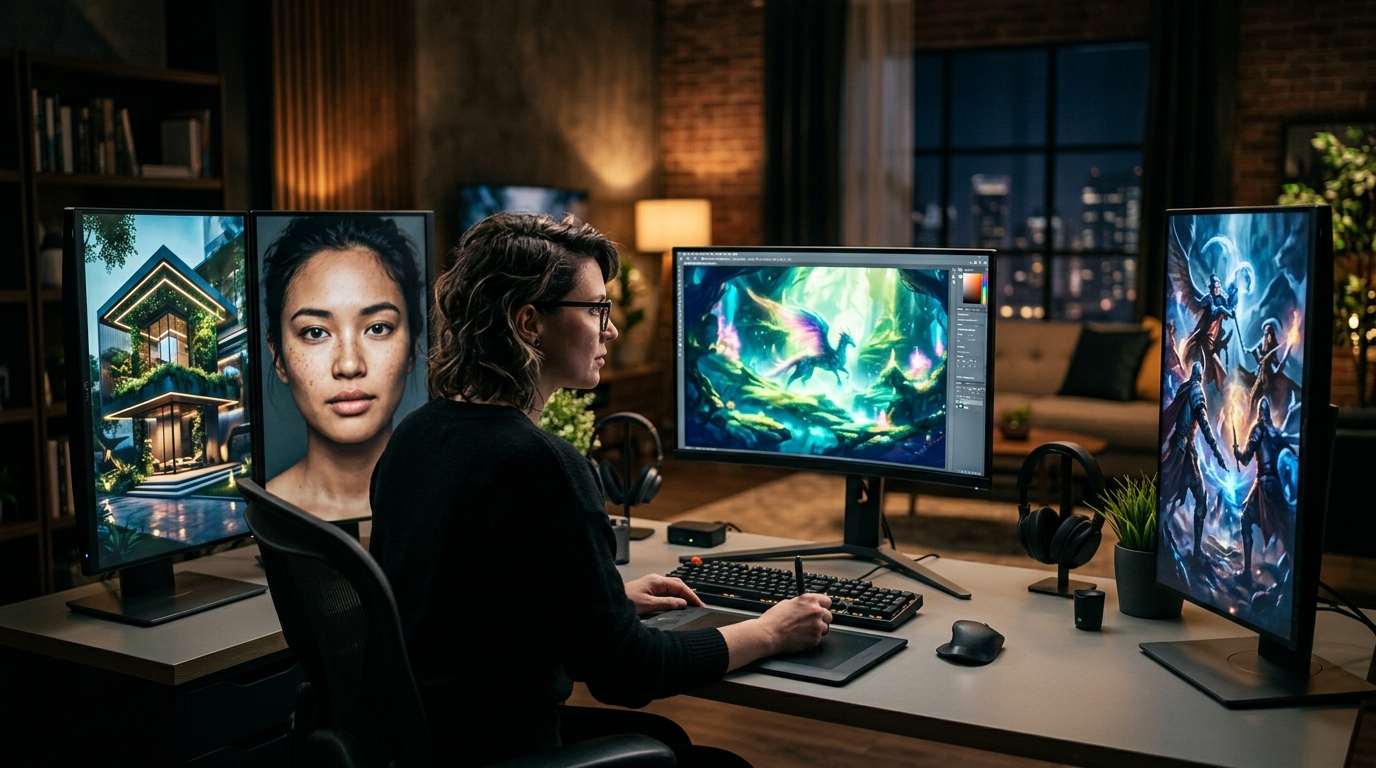
Step 1: Choose an AI Image Generator
Begin by choosing an accessible platform that provides a functional free tier or daily credits. Leading platforms include ChatGPT Images, Google Gemini, Canva AI, Adobe Firefly, Ideogram, and Leonardo.Ai.
Keep in mind that free access rarely means unlimited compute. Most providers apply daily token allocations, generation queues, or resolution caps. For example, Leonardo.Ai provides 150 fast tokens daily. Therefore, always confirm platform parameters before building production routines around free allowances.
Step 2: Define the Practical Objective
Never start by simply prompting the system to “make something beautiful.” Instead, identify the specific business or artistic objective first. Are you designing a website hero banner, an Instagram carousel, an editorial header, or a product concept?
The practical objective dictates composition. For instance, a website header demands horizontal negative space for typography. In contrast, mobile social feeds require vertical orientations with high central contrast.
Step 3: Describe the Core Concept Clearly
Next, articulate the scene with precision. A simple sentence like “three white kittens on a couch” produces a generic snapshot. In contrast, an intentional prompt communicates context, lighting, and mood.
Three fluffy white kittens resting together on a dark green velvet sofa. Soft afternoon sunlight filters through a French window. Editorial lifestyle photography, natural expressions, and wide composition with negative space on the left.
Consequently, the algorithm understands not just what elements appear, but how they interact visually within the frame.
Step 4: Generate the Initial Exploratory Version
Do not expect flawless execution on your first attempt. Instead, view the initial output as a visual draft. Carefully inspect subject accuracy, anatomy, lighting angles, background objects, brand colours, and overall optical balance.
Step 5: Refine Rather Than Starting Over
Modern platforms excel at localized editing. Instead of discarding an imperfect render, use conversational prompting or inpainting brushes to request targeted changes.
For instance, instruct the tool: “Keep the characters and composition unchanged. Remove the mug from the table, darken the background wallpaper, and enhance warm evening rim lighting.” This iterative approach preserves successful elements while perfecting details.
Step 6: Select and Finish the Strongest Asset
Generate several variations to evaluate contrast, brand alignment, and clarity. Remember that the most elaborate image is not necessarily the most effective commercial asset.
Finally, polish your asset in design applications like Canva or Photoshop. You can crop dimensions, remove backgrounds, overlay typographic headlines, and upscale pixel resolutions for production deployment.
The Best Free AI Art Generators to Explore in 2026
Generative software has evolved dramatically beyond legacy text-to-image demos. To explore industry-leading platforms today, consult our review of free online AI art generators in 2026. The following platforms represent versatile starting points:
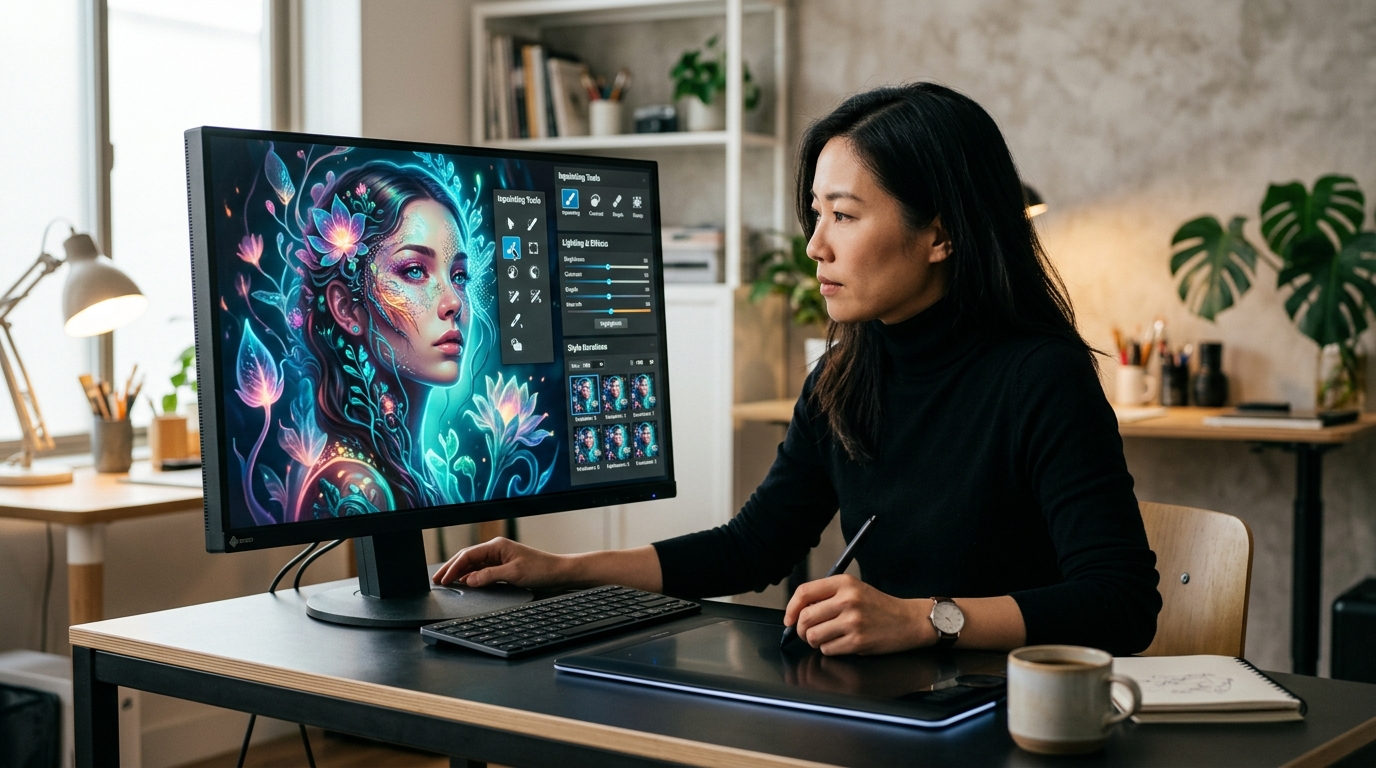
1. ChatGPT Images
ChatGPT provides an intuitive conversational interface for image creation and multi-turn editing. Users can upload sketches, select canvas areas, adjust aspect ratios, and request subtle lighting tweaks through dialogue. This conversational loop makes it ideal for beginners exploring creative ideas.
2. Google Gemini
Google’s Gemini ecosystem emphasizes fast multimodal reasoning and photorealistic rendering. With lightweight, optimized image generation models, Gemini excels at rendering realistic textures and interpreting complex real-world queries. Furthermore, creators can fluidly transition between brainstorming marketing copy and visualizing campaign imagery.
3. Canva AI
Canva integrates generative models directly into a comprehensive graphic design workspace. After generating an illustration, you can instantly drop it into social templates, marketing flyers, presentation decks, or posters. Canva’s Magic Edit and image enhancement tools streamline production for marketing teams.
4. Adobe Firefly
Adobe Firefly is specifically engineered for professional creative workflows and commercial safety. It integrates seamlessly into Photoshop and Illustrator, providing generative fills and vector expansions. In addition, Adobe trains its models on licensed stock media, offering enterprise confidence for brand campaigns.
5. Ideogram
Ideogram remains the benchmark platform for rendering legible typography inside synthetic compositions. Whether you need typographic event posters, branded merchandise concepts, or social quote cards, Ideogram renders clear text with remarkable accuracy.
6. Leonardo.Ai
Leonardo.Ai provides advanced control for creators seeking granular parameter adjustments. Users can control prompt weighting, negative prompts, custom style models, and depth maps. For a deeper understanding of underlying model architectures, read our technical breakdown on the science behind AI image generators.
Proven Prompting Techniques for Consistently Better Art
Understanding the technical mechanics of generating visuals is straightforward. However, achieving reliable, high-calibre results requires structured communication. Follow these eight practical principles to elevate your outputs:
- Abandon Arbitrary Prompt Lengths: Modern models do not require strict character limits. Instead, include only relevant descriptive information that shapes the visual narrative.
- Anchor the Primary Subject First: State the focal subject immediately before introducing atmospheric details. For example, write “A vintage espresso machine on an oak counter” before detailing ambient steam.
- Incorporate Dynamic Action: Static subjects can appear stiff. Introduce specific physical actions like pouring, examining, running, or assembling to inject kinetic energy into the frame.
- Define the Surrounding Environment: Specify location details, weather conditions, architectural textures, and materials to establish clear spatial depth.
- Direct Camera Composition Deliberately: Guide lens perspectives explicitly by specifying macro close-ups, wide cinematic panoramas, eye-level portraits, or low-angle hero shots.
- Shape Mood with Intentional Lighting: Use precise photographic lighting terms such as soft diffused window light, dramatic chiaroscuro, golden hour backlight, or moody neon illumination.
- Specify Visual Medium and Art Style: Combine aesthetic styles with functional purpose, such as 35mm documentary photography, minimalist vector illustration, or architectural watercolor.
- Instruct What to Preserve During Revisions: When refining images, tell the model explicitly which elements, poses, and color palettes must remain untouched.
The Universal AI Art Prompting Formula
When drafting new visual concepts, implement this battle-tested formula to organize your thoughts:
[Core Subject] + [Action] + [Environment] + [Composition] + [Lighting] + [Style] + [Constraints]
Let us examine a practical business example:
- Subject: Indian woman entrepreneur.
- Action: Reviewing performance analytics on a laptop.
- Environment: Contemporary sunlit office with minimalist wooden shelves.
- Composition: Medium shot with subject positioned on the right side.
- Lighting: Soft morning daylight pouring through floor-to-ceiling windows.
- Style: Premium editorial lifestyle photography, natural textures, shallow depth of field.
- Constraint: Generous negative space on the left for headline typography.
Combining these elements yields a highly directive, commercially usable prompt. To personalize visuals for distinct audiences, review our guide to personalising content with free AI image generators.
Navigating Commercial Licensing and Legal Transparency
Using synthetic imagery in professional business materials requires careful attention to licensing rules and regulatory developments. Never assume that an image is free of restrictions simply because it was generated online.
Review each platform’s terms of service regarding commercial usage rights. For instance, some platforms grant commercial permissions on free tiers while retaining non-exclusive platform rights. Conversely, paid subscriptions often provide full commercial assignment and private rendering queues.
Furthermore, regulatory frameworks are evolving globally. Under the European Union AI Act, transparency obligations for specific AI-generated and manipulated media took effect in August 2026. These regulations encourage watermarking and machine-readable disclosures for synthetic media.
In addition, cross-industry initiatives like the Coalition for Content Provenance and Authenticity (C2PA) embed cryptographic metadata to establish media authenticity. For a philosophical perspective on human authorship and originality, read our exploration of AI art generators and creativity.
Integrating AI Art into Enterprise Content Pipelines
Rather than treating visual generation as an ad-hoc experiment, successful organizations integrate generative media into systematic content workflows. An efficient asset pipeline connects audience intent, content briefs, and multi-format adaptations.
For example, when developing comprehensive digital campaigns, visual assets must support overall organic search visibility. Explore our definitive playbook on Search Everywhere Optimisation for Indian businesses to align visual branding across platforms.
Similarly, agencies automating client deliverables should evaluate sustainable business models. Discover key agency pricing frameworks in our guide on how to price your AI automation agency services. Furthermore, structured visuals enhance topical authority when anchored to a pillar-cluster content architecture.
Finally, when publishing imagery across sensitive sectors like medical, finance, or legal services, visual accuracy must uphold editorial trust. Review our compliance benchmarks in the E-E-A-T checklist for YMYL content.
Frequently Asked Questions
How do I generate art with AI as a complete beginner?
To start, choose a free generator like ChatGPT Images or Canva AI. Describe your intended scene clearly, generate an initial draft, and use conversational follow-up prompts to refine composition, lighting, and detail.
Can I legally sell or monetize AI-generated images?
Yes, many platforms permit commercial monetization, but permissions vary by tier. Always check the specific platform terms of service and commercial license rights before using synthetic assets in commercial client work.
Do I need artistic drawing skills to create compelling AI art?
No manual drawing ability is required. However, understanding visual storytelling, color theory, camera composition, and disciplined editorial curation significantly enhances your final results.
How can I maintain consistent characters across multiple images?
You can maintain character consistency by uploading reference images and defining detailed character traits. In addition, utilize seed numbers and specialized consistency features supported by advanced generators.
To explore more automated production strategies, case studies, and digital marketing insights, visit the HuAI Content Blog. In addition, discover innovative creative workflows in our analysis of crafting unique visuals beyond stock photos.
Pingback: How to Monetize AI Art in 2026: Business & Copyright Guide