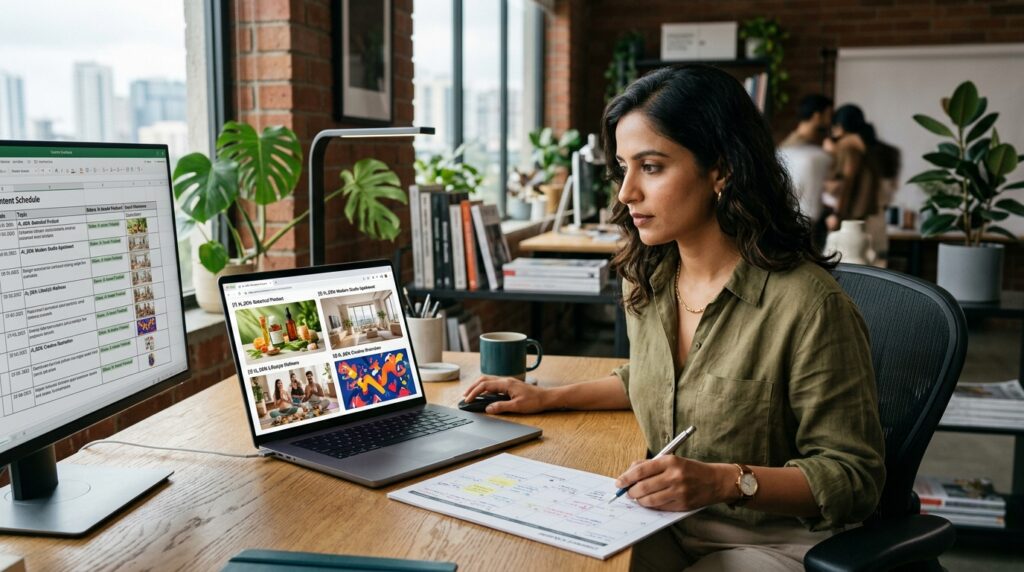
Creators have spent years searching stock-photo libraries for the “right” image—only to discover that hundreds of other websites are using exactly the same photograph. Today, modern free online AI image generators offer an inspiring, scalable alternative.
AI image generators can turn a written concept into an original visual direction in seconds. Instead of searching through thousands of existing photographs, marketers and creators can describe the subject, atmosphere, composition, lighting and visual style they need and generate a brand-new image around that precise brief.
This shift is particularly important for content marketing. Brands increasingly need visual assets that feel distinctive, culturally nuanced and closely aligned with their core identity rather than generic stock photography. As foundation models mature, accessible free online AI image generators have transformed from novel toys into reliable visual ideation and production engines for businesses, creators and agile teams.
Using AI Image Generators in Content Marketing: A Brief Overview
An AI image generator is software that uses artificial intelligence to create or modify visual content based on user instructions. This differs fundamentally from an AI image-sourcing tool:
- Image-Sourcing Platform: Helps you discover existing photos stored in an external media library or stock repository.
- Generative AI Vision Tool: Synthesizes a completely original visual output from scratch based on semantic parameters provided in a prompt.
Suppose you are writing an article about a futuristic Indian workspace. A stock-photo search might return generic office scenes with disengaged corporate models. With free online AI image generators, you can instead describe:
“Modern Indian startup office at sunrise, founders collaborating around a curved oak desk, subtle ambient AI dashboards, warm natural window light, premium editorial photography, 35mm lens.”
The output is customized to the exact narrative of your story. Modern platforms also support conversational generative editing. For example, tools like ChatGPT and Canva allow users to make targeted adjustments—swapping backdrops, extending boundaries, or modifying specific subjects—without restarting the entire composition from zero.
Why Visual Personalisation Matters in Content Marketing
Content marketing in 2026 is hyper-competitive. Publishing text alone is rarely enough. Brands must capture attention across Google Search, conversational AI discovery engines, social feeds, email newsletters, YouTube and digital ad networks. Visual assets are essential across every single touchpoint.
The primary hurdle is production velocity. A growing venture often requires dozens or hundreds of visual assets every month. Traditional studio shoots, custom illustrations and freelance design pipelines quickly become cost-prohibitive. This is where free online AI image generators lower the barrier to experimentation, enabling content teams to test creative directions, validate messaging and scale multi-channel collateral rapidly.
For an in-depth look at complementary tools, explore our recent guide to the Top Free AI Image Generators to Try in 2026, covering ChatGPT, Gemini, Canva, Midjourney, Adobe Firefly, Ideogram and Leonardo AI.
Benefits of Using Free Online AI Image Generators
Integrating generative vision models into your content publishing pipeline delivers tangible operational and creative benefits:
1. Accelerates Visual Content Development
Traditional asset production follows a sequential path: creative brief → research → mockup → designer draft → multiple review cycles → final export. Generative tools compress the ideation phase into minutes. Marketers can produce ten visual variations, identify the strongest direction, and hand a refined concept over for final brand polish.
2. Saves Crucial Time and Budget
Lean startups and small marketing departments do not need to commission a full photoshoot simply to illustrate an abstract conceptual article. However, generative tools do not eliminate the need for human creatives. Professional designers remain essential for brand design systems, art direction, typography hierarchy, packaging accuracy and final quality control. AI accelerates the rendering; humans provide the creative judgment.
3. Delivers Customised Visuals at Scale
Instead of publishing ten articles with disconnected stock photos, a content team can establish a coherent visual aesthetic across an entire pillar cluster:
Consistent Brand Palette + Distinct Subject Matter + Unique Setting + Unified Lighting Signature
4. Cross-Channel Format Versatility
A single core visual concept can be repurposed seamlessly across channels:
- Blog hero image (16:9)
- LinkedIn carousel slides (1:1 or 4:5)
- Instagram Story & Reels background (9:16)
- Email newsletter header (wide banner)
- Digital PPC advertising creatives
If your multimedia strategy also involves video assets, check out our breakdown of the Top 15 AI Video Editing Tools in 2026 to see how generative video pairs with static AI graphics.
Types of AI Image Generators
Selecting the right engine depends on your specific production objective:
- Text-to-Image Generators: Convert natural language descriptions into complete visuals (e.g., ChatGPT, Google Gemini, Midjourney).
- Image-to-Image Generators: Transform an existing reference image into a different aesthetic, lighting scheme or composition.
- Generative Inpainting & Outpainting: Modify specific regions or extend canvas borders while preserving the original core composition.
- Integrated Generative Design Suites: Platforms like Canva and Adobe Firefly, which combine image synthesis with vector layouts, typography and social templates.
- Typography-Focused Engines: Specialized platforms such as Ideogram that render crisp, legible text directly inside graphics.
- Advanced Creative Game & Concept Suites: Fine-tuned model platforms like Leonardo AI offering granular control over styles and weights.
Factors to Consider Before Using Free Online AI Image Generators
Synthesizing an image takes seconds; synthesizing the right image requires a structured methodology:
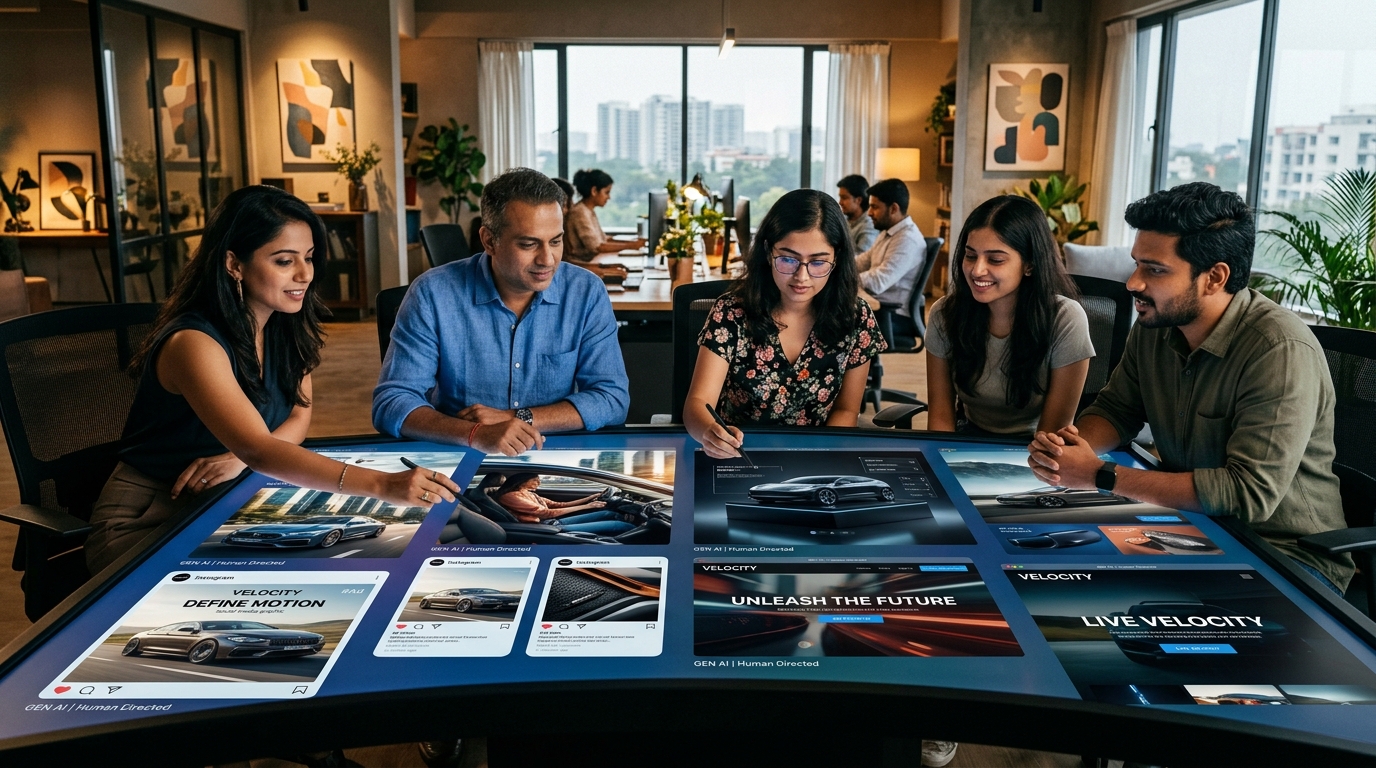
1. Establish a Layered Prompt Framework
Avoid one-line prompts. Build instructions using a structured hierarchy:
[Subject] + [Setting/Environment] + [Composition/Focal Length] + [Lighting] + [Style/Aesthetic] + [Mood] + [Aspect Ratio]
2. Understand That “Free” Rarely Means Unlimited
In 2026, foundation model compute is expensive. Most free tiers operate with monthly allowances, daily rate limits or renewable credits. To understand how platforms monetize free access, read our analysis on The Business Model Behind Free AI Tools.
3. Use Reference Images Ethically
Reference imagery helps guide color balance, lighting mood and camera angles. However, avoid uploading proprietary, copyrighted art and instructing models to duplicate protected works. For commercial projects, rely on licensed references or owned brand assets.
4. Implement Post-Processing Polish
Treat raw AI outputs as premium digital negatives. Professional teams route images through Adobe Photoshop, Lightroom or Canva for final color grading, contrast adjustment, typography integration and brand logo placement.
AI Images and SEO: What Businesses Should Know
Visual assets do not automatically improve organic rankings simply because they were generated with artificial intelligence. Search visibility depends on implementation quality:
- Meaningful File Naming: Use descriptive slugs such as
free-online-ai-image-generators-workflow.jpgrather than generic camera exports likeIMG_0024.jpg. - Accurate Alt Text: Write clear, accessible descriptions that describe the visual context for assistive readers without keyword stuffing.
- Responsive Compression: Convert images to next-gen formats (WebP or compressed JPEG) to ensure high Google Core Web Vitals and fast mobile page loads.
- Semantic Context: Place visuals directly adjacent to relevant explanatory paragraphs to strengthen topical depth.
For strategic digital growth, our guide to Search Everywhere Optimisation for Indian Businesses examines how visual authority fuels discovery across modern search ecosystems.
Commercial Rights, Copyright and Brand Safety
Organizations publishing AI-generated visual content must remain mindful of emerging legal precedents:
- Copyright Authorship: Global copyright offices generally require human creative contribution to recognize copyright protection. Purely machine-generated imagery without human editing remains in the public domain in many jurisdictions.
- Commercial Usage Terms: Verify whether a platform’s free plan grants commercial usage rights. While platforms like Adobe Firefly provide commercially cleared outputs, other providers restrict free tier usage to non-commercial evaluation.
- Confidentiality Safeguards: Never upload unreleased product designs, proprietary schematics or sensitive customer portraits into public AI generators where inputs might be used for model retraining.
Discover how early-stage ventures navigate these operational tradeoffs in our guide on Boosting Startups with Free AI Tools.
Step-by-Step AI Image Workflow for Content Marketing
- Analyze the Article Narrative: Identify the core concept that needs visual representation.
- Determine Visual Metaphor: Decide what single scene or action best illustrates the insight before a user begins reading.
- Draft Structured Prompt: Combine subject, environment, lighting, camera angle and aspect ratio.
- Generate Diverse Concepts: Create 4 to 6 variations across different visual perspectives.
- Select and Refine: Choose the top contender and use inpainting or conversational prompts to correct minor artifacts.
- Apply Brand Post-Processing: Color-grade, crop and layer typography or logos.
- Compress & Publish: Export in WebP, set descriptive alt attributes and embed contextually.
Frequently Asked Questions
What are free online AI image generators?
Free online AI image generators are web-based software applications that synthesize or modify visual imagery from text prompts, sketches or reference files without requiring expensive upfront software licenses.
Can AI-generated visuals fully replace commercial stock photography?
Generative images can replace generic stock photos for conceptual, editorial and illustrative storytelling. However, traditional photography remains essential when documenting real people, verified customer testimonials or physical manufactured products.
Can businesses legally use AI images for commercial marketing?
Yes, provided the platform’s specific license terms permit commercial use on the tier being utilized. Always review the terms of service of each platform before deploying assets in paid advertising or client campaigns.
How do you write effective prompts for AI image tools?
Provide specific, multi-layered descriptions covering the subject, environment, composition, lighting, camera lens and mood, rather than relying on brief or vague keywords.
Do AI image generators hurt search engine rankings?
No. Search engines evaluate visual content based on user experience, relevance, file compression, descriptive metadata and page loading speed. High-quality, contextually relevant AI visuals improve engagement metrics when implemented properly.
Explore more actionable guides, AI benchmarks and digital marketing frameworks on the HuAI Content Blog.