
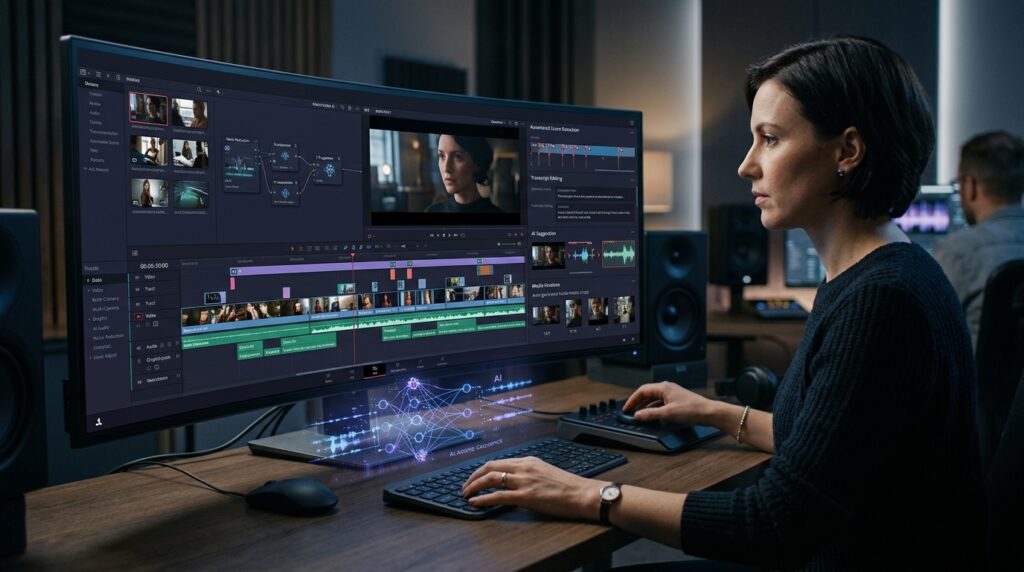
Video has become one of the most important formats for modern digital communication. Furthermore, modern AI tools for video editing transform post-production from a grueling manual task into an intelligent, high-speed creative workflow.
Producing broadcast-grade video involves far more than hitting record. Specifically, editorial teams routinely sift through dozens of hours of B-roll and isolate usable takes. In addition, they must balance multi-camera exposures, remove acoustic echo, and generate localized captions. They also reformat canvas sizes for social feeds and export tailored variations. Historically, these mechanical procedures consumed up to 70% of a production schedule.
Consequently, modern machine learning models and neural vision networks are rewriting this paradigm. Rather than replacing the craft of storytelling, intelligent AI tools for video editing act as proactive creative co-pilots. Therefore, they handle repetitive technical friction while leaving narrative pacing and directorial vision firmly in human hands.
Explore our curated guide to the Top 15 AI Video Editing Tools in 2026 for a market breakdown.
6 Ways AI Tools for Video Editing Are Streamlining Post-Production
From automated scene assembly to intelligent dialogue isolation, here are six major areas where intelligent software is accelerating the post-production suite:
1. Automated Colour Correction and Shot Matching
Colour matching represents one of the most time-intensive stages of post-production. For example, documentary and event footage often combines cinema bodies, drones, and smartphones captured across shifting daylight. To solve this, modern AI tools for video editing evaluate scene illumination, chromatic balance, and exposure latitude across clips. Furthermore, Adobe Premiere Pro features Auto Colour tools that balance white levels across multi-camera bins in seconds. As a result, colorists can focus immediately on creative grading and mood-setting LUTs.
2. Intelligent Semantic Footage Search and Scene Detection
Locating a specific two-second reaction shot across ten hours of footage traditionally required tedious timeline scrubbing. However, neural search models have completely revolutionized media asset management. In particular, editors can deploy two major automated capabilities:
- Natural-Language Semantic Search: For example, editors can query phrases like “founder smiling during conference keynote” or “aerial drone shot of Mumbai skyline at sunset” to locate exact moments instantly.
- Automated Scene Cut Detection: In addition, neural algorithms evaluate pixel changes to slice master recordings into distinct clips automatically.
3. AI-Powered Audio Cleanup and Dialogue Isolation
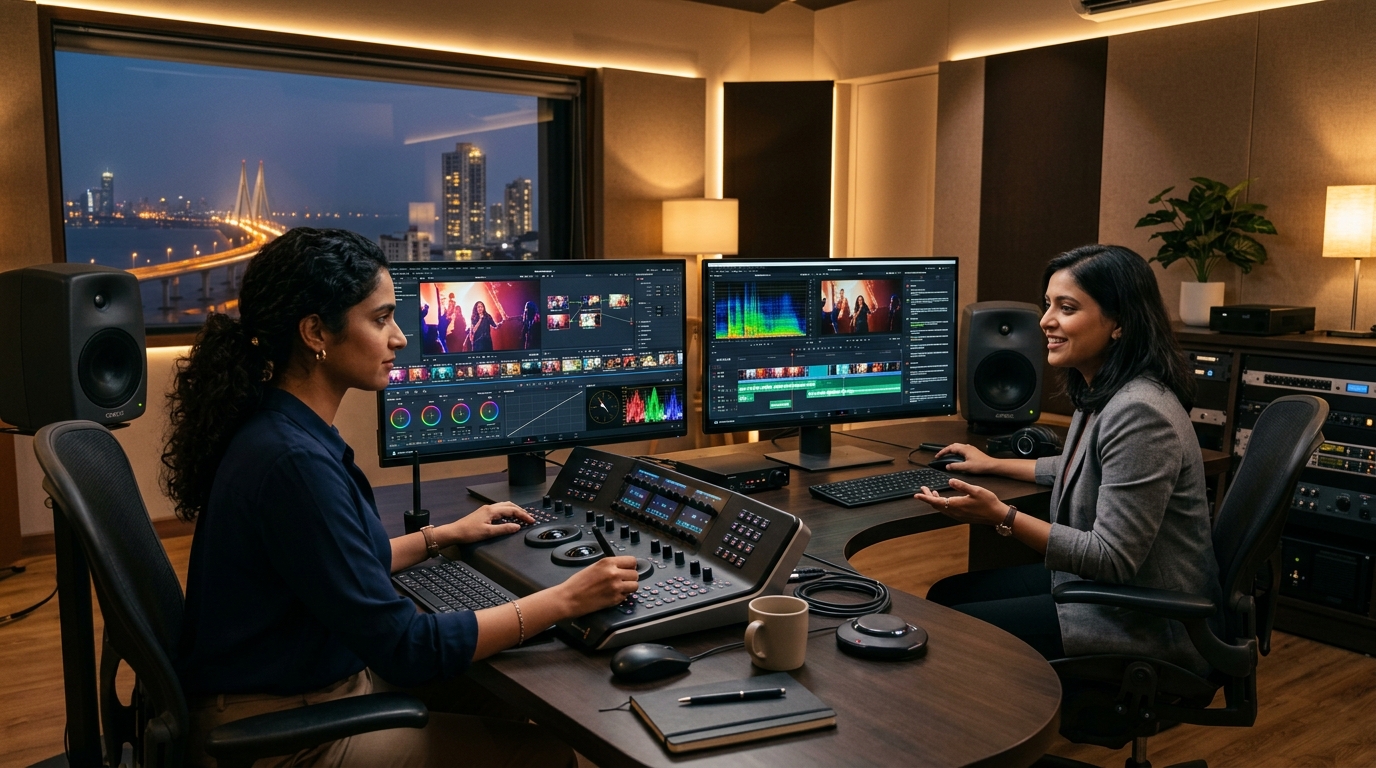
Poor acoustics undermine even the most pristine 4K footage. For instance, background HVAC rumble, traffic noise, and room reverberation can easily render dialogue unusable. To address this problem, advanced neural voice engines separate vocal frequencies from ambient room noise. Industry solutions—such as Adobe Enhance Speech, Descript Studio Sound, and the AI Audio Assistant in DaVinci Resolve Studio—clarify speech effortlessly. Consequently, the algorithm resynthesizes voice clarity, balances disparate speaker levels, and eliminates unwanted acoustic artifacts with minimal manual equalization.
4. Text-Based Timeline Assembly and Transcript Editing
One of the most consequential breakthroughs in editorial software is the integration of speech-to-text engines into the timeline. For example, platforms like Descript and Premiere Pro transcribe dialogue into an interactive script. As a result, deleting a sentence in the transcript automatically cuts the corresponding video frames on the timeline. Moreover, this workflow instantly strips out filler words like “um” and “uh”, false starts, and redundant pauses.
5. Automated Multi-Platform Reframing and Tracking
Modern digital campaigns demand omni-channel delivery. For example, a horizontal project (16:9) must often be repurposed into vertical formats (9:16) for Instagram and YouTube Shorts. In addition, brands require square ratios (1:1) for LinkedIn feeds. Fortunately, intelligent auto-reframe algorithms track focal subjects dynamically. Therefore, editors can center action within vertical viewports without requiring tedious manual keyframe adjustments.
Discover how automated pipelines connect video distribution across platforms in our detailed guide on n8n vs Make.com vs Zapier for AI Content Pipelines.
6. Generative Video Repair and Frame Extension
Generative diffusion models are now embedded directly within nonlinear editing timelines. For instance, tools like Premiere’s Generative Extend synthesize additional frames at the head or tail of a clip. As a result, editors can resolve awkward edit points, extend ambient audio, or hold an emotional reaction shot. Consequently, teams avoid frozen frames and eliminate the need for expensive reshoots.
To understand the core diffusion science enabling these capabilities, read our deep-dive on How AI Image Generators Work: The Science Behind AI Art.
Expanding Global Reach with Automated Captions and Accessibility
Video accessibility is both an audience growth engine and an SEO advantage. In fact, over 75% of mobile video viewers consume content with sound muted. Therefore, accurate subtitles are essential for viewer retention. Today, cloud AI transcription platforms automatically synthesize captions across global and Indian regional languages, including Hindi, Bengali, Tamil, and Telugu. Furthermore, transforming single master recordings into multi-lingual captioned assets broadens international reach. In addition, it provides rich text signals for search engine indexation.
To explore how multi-format assets reinforce brand authority, see our strategic guide to Search Everywhere Optimisation for Indian Businesses.
Why AI Tools for Video Editing Still Need Human Direction
Despite extraordinary technological advancements, AI cannot conceptualize a film or understand human emotional resonance. Therefore, editorial excellence still relies on vital creative qualities that machines cannot replicate:
The Human Creative Moat in Video Production
- Rhythm and Narrative Pacing: For example, knowing precisely when to hold on an actor’s expression versus when to make a rapid cut to build tension.
- Emotional Context: In addition, selecting takes that convey genuine human vulnerability, humor, or conviction.
- Ethical Fact-Checking: Furthermore, ensuring synthetic generative extensions or reframing do not distort reality, misquote speakers, or misrepresent corporate products.
For brands operating in regulated or high-stakes sectors, maintaining factual authenticity is critical. Review our EEAT for YMYL Content Checklist to safeguard editorial integrity.
A Step-by-Step AI-Assisted Post-Production Workflow
- Media Ingestion & Semantic Indexing: Import raw footage and let neural classifiers generate searchable metadata tags.
- Automated Speech Transcription: Convert spoken dialogue into an interactive timeline transcript.
- Rough Cut Assembly: Edit text transcripts directly to assemble the initial narrative structure.
- Spectral Audio Enhancement: Remove environmental rumble, isolate voices, and balance gain levels automatically.
- Automated Color Balancing: Match disparate camera profiles and balance exposure across bins.
- Multi-Format Adaptation: Deploy intelligent auto-reframing to render vertical and square social cuts.
- Human Editorial Polish: Review narrative pacing, fine-tune cut transitions, and conduct final quality assurance.
For production studios scaling client deliverables, explore our business frameworks on Pricing AI Automation Agency Services and our analysis of emerging media trends in 5 Ways Agentic AI Is Changing Content Strategy.
Frequently Asked Questions
How do AI tools for video editing save time in post-production?
Specifically, AI tools for video editing automate tedious tasks like searching footage, transcribing dialogue, removing noise, and adding captions. As a result, editors can focus primarily on creative storytelling.
Can AI completely edit a video without human involvement?
No, human direction remains essential. While AI handles mechanical processing efficiently, creative storytelling, emotional pacing, and brand nuance require experienced human editorial judgment.
What is text-based video editing?
Text-based editing links video clips directly to an automated text transcript. Consequently, editing text in the script automatically cuts the timeline, accelerating rough cut assembly substantially.
Which software offers the best AI tools for video editing?
Industry leaders include Adobe Premiere Pro for speech cleanup, DaVinci Resolve for neural grading, and Descript for script editing. Together, these tools provide complete workflow coverage.
How does AI assist with social media video repurposing?
For instance, AI auto-reframe algorithms track subjects across widescreen footage. They automatically crop and center action for vertical platforms like Instagram Reels and YouTube Shorts without manual keyframing.
Explore our complete library of production workflows, AI benchmarking reports, and automation guides on the HuAI Content Blog.
Pingback: AI Art Generators and Creativity: Blurring Artistic Lines
Pingback: 15 AI Tools for Coding & Software Development in 2026